● Label Cropper3 min read
Meesho Label Crop: How to Crop Meesho Shipping Labels to 4×6 for a Thermal Printer
Crop Meesho shipping labels from A4 to 4×6 for a thermal printer: download from the Supplier Panel, split off the invoices and print at 100% scale. Free.
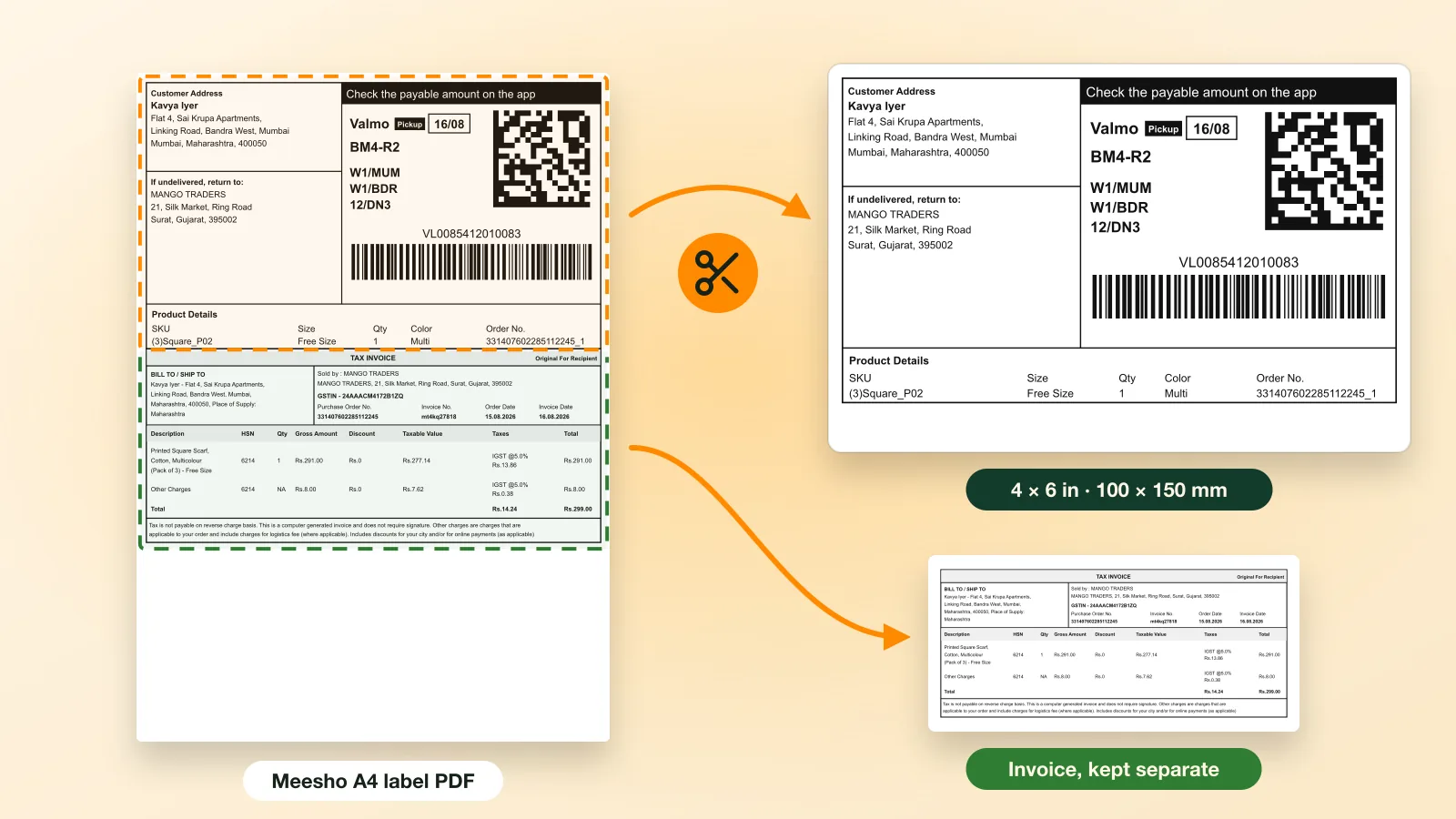
A Meesho label crop means cutting the shipping label out of the A4 PDF from the Meesho Supplier Panel and putting it on its own 4×6 inch (100×150 mm) page for a thermal printer. Meesho puts the label and the tax invoice on the same sheet, so cropping by hand is slow. A label cropper crops the whole day’s batch in one pass and keeps the invoices in a separate file.
Key takeaways
- Meesho label PDFs are A4, with the shipping label and the tax invoice on one sheet; a thermal printer needs each label on its own 4×6 page.
- Ecommango Label Cropper crops a full batch of Meesho PDFs in your browser and moves the invoices into their own file.
- Print at 100% (Actual size) on a 4×6 paper size, never “Fit to page”.
Why do Meesho labels need cropping?
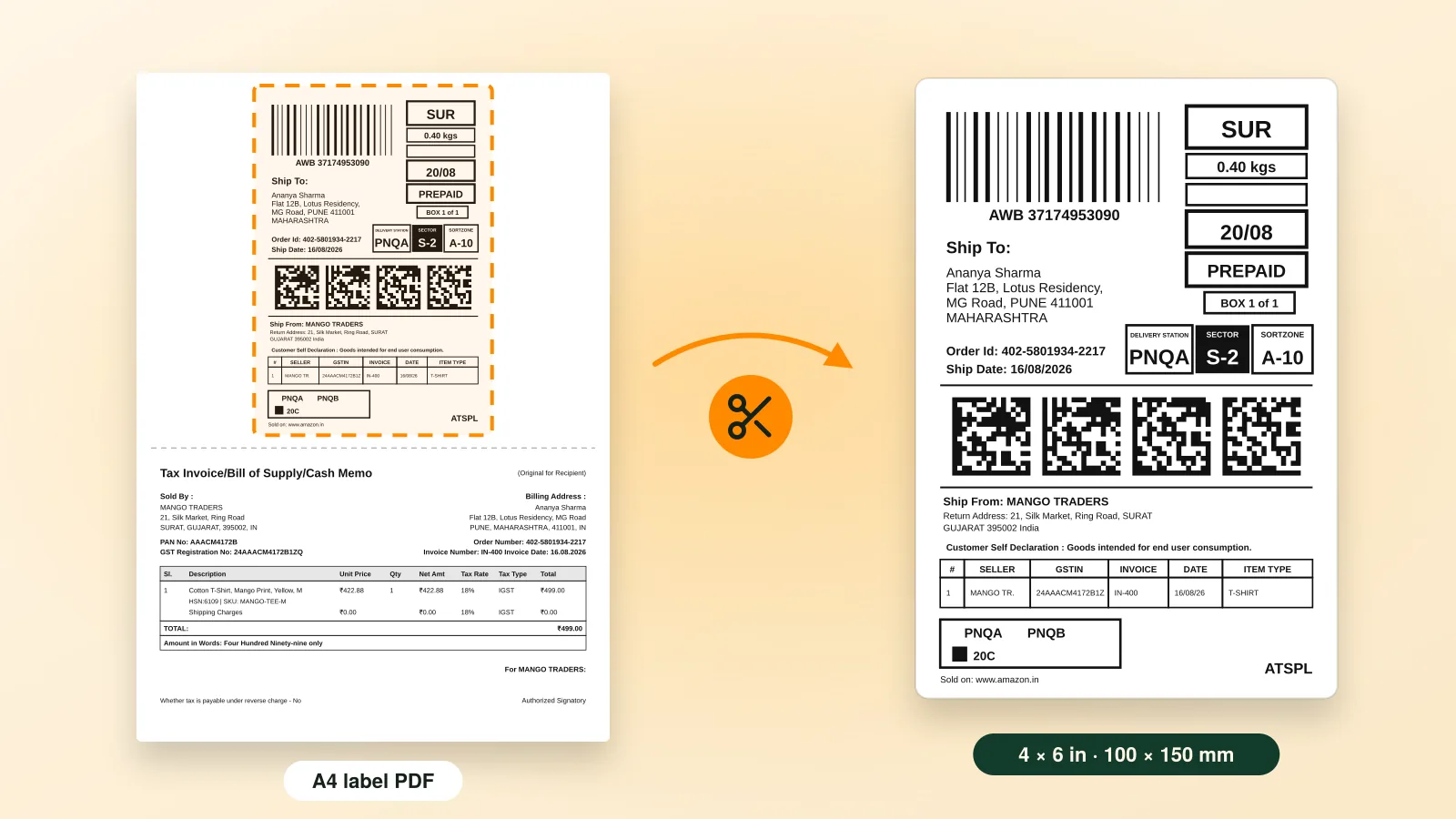
Meesho makes label PDFs for office printers, so every page is A4 (210 × 297 mm). A thermal label is 4×6 inches, less than a quarter of that page. Send the A4 sheet straight to a thermal printer and it either shrinks the whole page onto one sticker, leaving a barcode too small to scan, or prints the top and drops the rest.
A correctly cropped Meesho label has only the shipping label on it: no invoice, no blank margin, and the barcode printed full width.
How do you crop Meesho labels in bulk?
Download the day’s labels, drop them into Ecommango Label Cropper and print the result on 4×6 labels. The whole job takes four steps:
- Download the label PDFs from the Meesho Supplier Panel (opens in a new tab). Keep the files as they are, with no splitting or renaming.
- Drop them into Label Cropper, one file or many (PDF only, up to 25 MB each). It finds every label and trims it to its border.
- Choose the print order: group identical SKUs, sort by quantity, and add page numbers or a summary page.
- Preview, then print or download the 4×6 PDF.
Your files never leave your computer. Label Cropper crops them inside your browser, so customer addresses are not uploaded to our servers.
What happens to the Meesho invoice?
Label Cropper sets every invoice aside in its own file, so an invoice never prints on a sticker and never wastes a label. You still have each one to print on plain A4 or keep for your records.
That makes it a Meesho label cropper with invoice handling built in. You don’t need a second tool for invoices.
Which print settings stop Meesho labels printing small?
Set the paper size to 4×6 in (100×150 mm), the scale to 100% (Actual size) and the margins to none. “Fit to page” is the usual reason a label comes out tiny or cut off. If the print still looks wrong, our guide to cropping shipping labels for a 4×6 thermal printer lists each problem and its fix.
Frequently asked questions
Is the Meesho label cropper free?
Yes. Ecommango Label Cropper is free: no plan, no payment and no card. After your first few PDFs it asks for your details once.
What size should a Meesho shipping label be for a thermal printer?
4×6 inches, about 100×150 mm. Crop the label from the A4 page, then print it at 100% scale.
Can I crop Meesho, Flipkart and Amazon labels together?
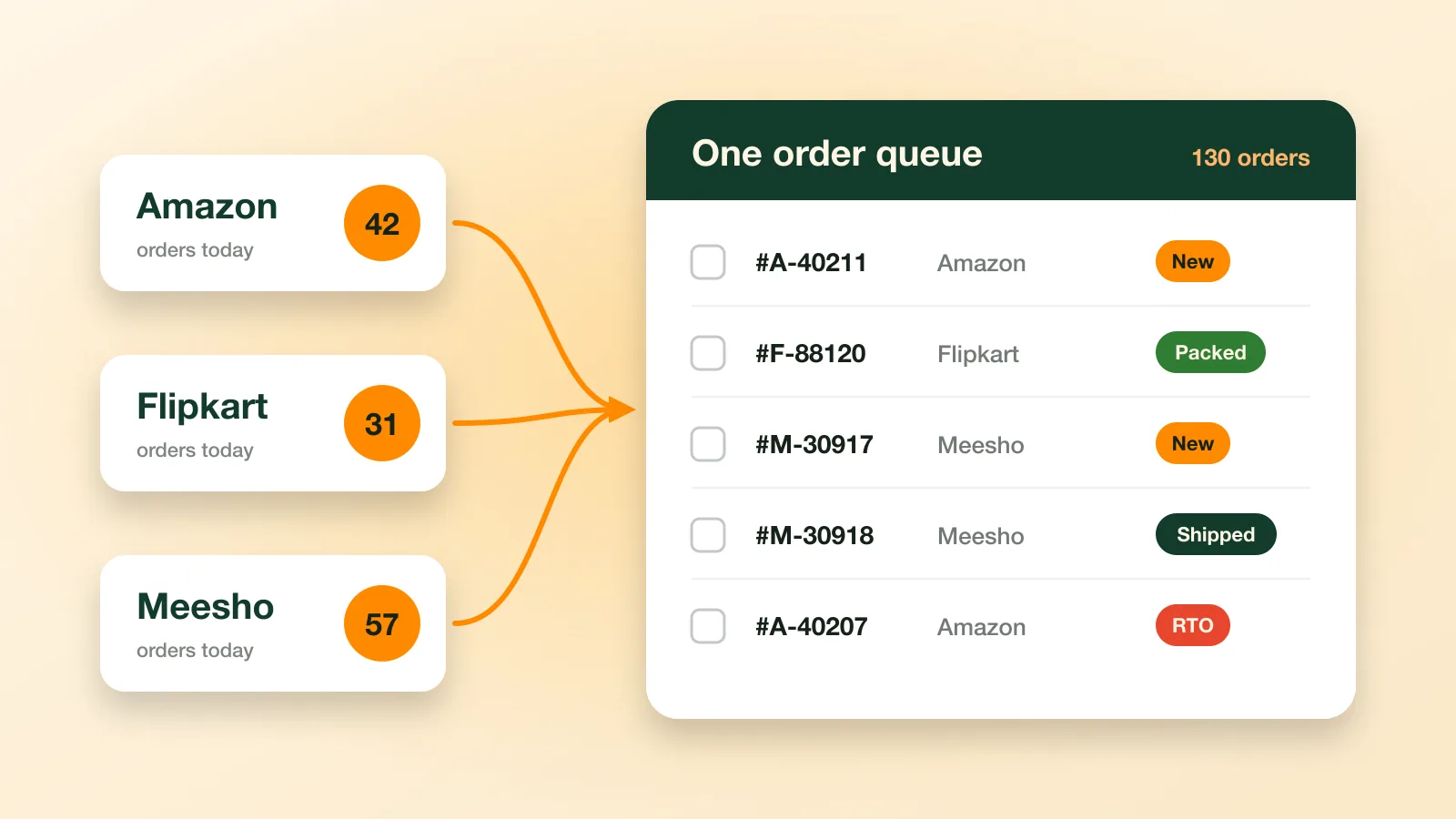
Yes. Drop in PDFs from all three seller panels at once and Label Cropper returns one sorted batch of 4×6 labels.